WooCommerce
WooCommerce 8.2 or later and PHP 7.4 or later. In WordPress: Plugins → Add New → Upload Plugin.
Version 1.0.0
Download zip- Size
- 59 KB
- SHA-256
- c52c74bde7685003a61d0de8aca9d1ff0409f7ab7ddde4ffd6538b5bcb3b74e9


Optional, for the phone that receives your bank SMS
This app is optional: without it you still review and approve receipts in your queue. Install it and your bank's deposit SMS reaches your account signed and sits beside that payment's receipt, so you can approve it at a glance. Automatic approval is a setting you may turn on.
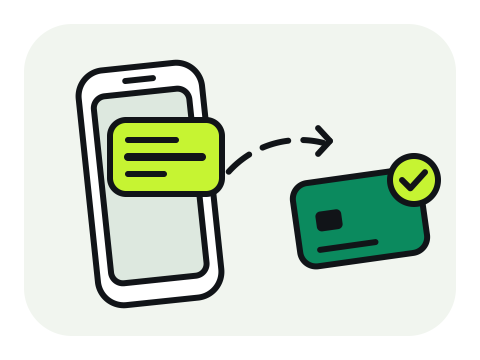
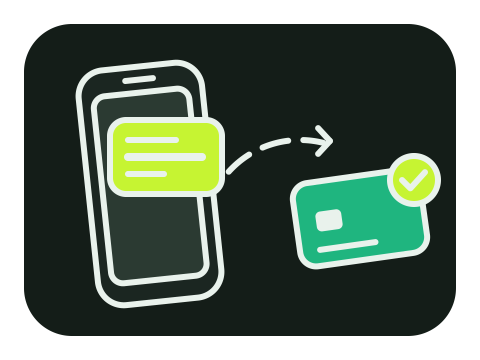
Receives bank SMS even when the app is closed and after the phone restarts, and queues them while there is no internet.
The Android app will be published here soon
Everything works without the app: approve receipts in your review queue, or try it all in test mode.
Start in test modeInstall and open the app
Pair it with your dashboard
Allow what it needs
Send a test
iPhones do not let any app read SMS. Instead, a Shortcuts automation hands each bank message to the Bezanbecard app.
1. Open Shortcuts
2. Choose your bank as the sender
3. Add the Bezanbecard action
4. Finish and test

 On Android, once you list your banks' senders in the dashboard, messages from anyone else are dropped on the phone.Every request is signed with a secret the phone receives when it pairs, and that never leaves it.Message texts are kept encrypted and wiped after 90 days.Remove a phone from the dashboard at any time; it stops at once.
Download the plugin zip and install it from your store's admin, then connect it to Bezanbecard in one click. Each plugin updates an order only after reading the payment back from the API.
WooCommerce 8.2 or later and PHP 7.4 or later. In WordPress: Plugins → Add New → Upload Plugin.
Version 1.0.0
Download zipEDD 3, WordPress 6.2 or later and PHP 7.4 or later. In WordPress: Plugins → Add New → Upload Plugin.
Version 1.0.0
Download zipWHMCS 8 on PHP 7.4 to 8.3. Copy the modules folder from the zip into your WHMCS root.
Version 1.0.0
Download zip